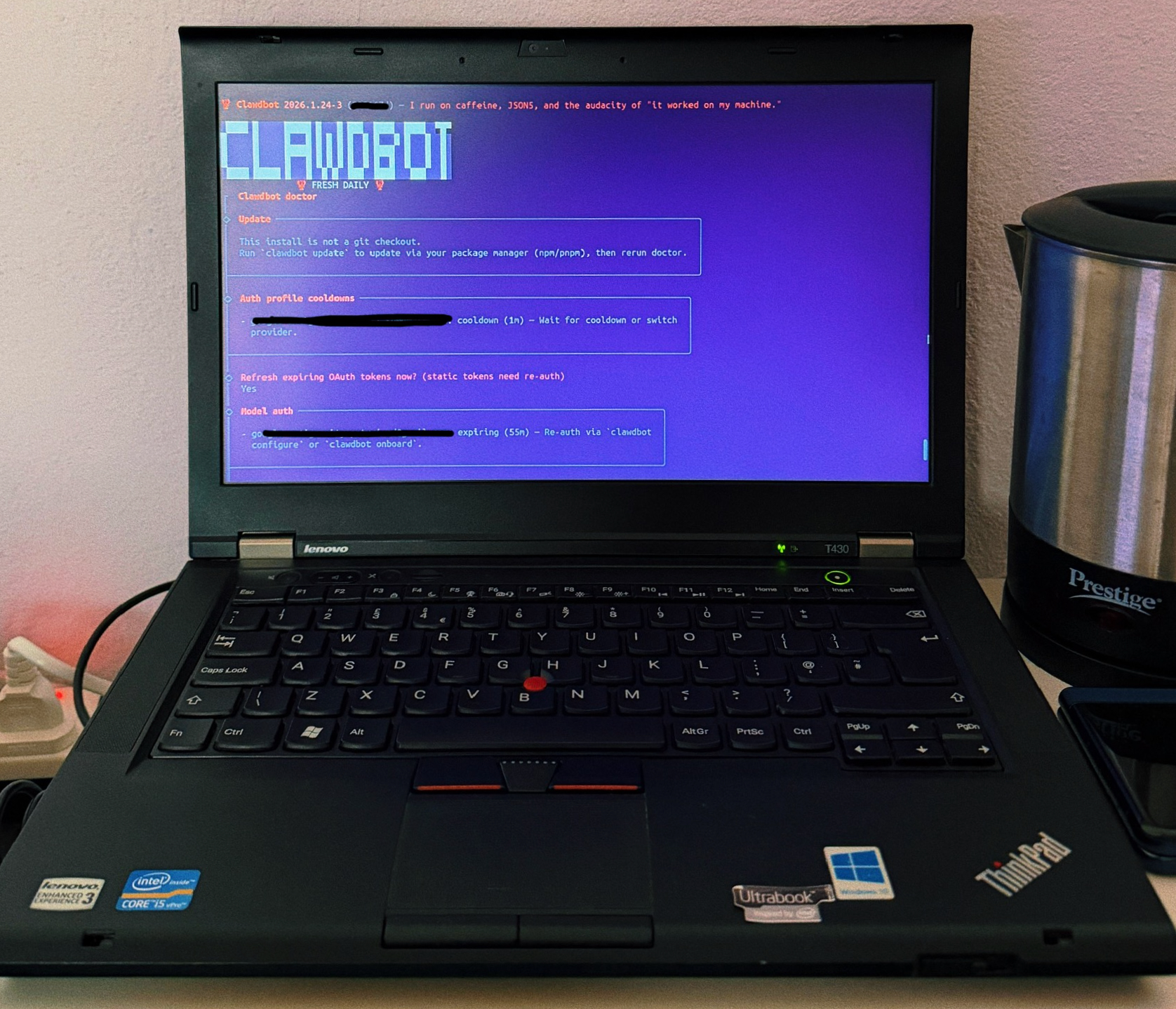
Clawdbot (aka Moltbot) is pretty good and you definitely don’t need a Mac mini to run it. I set it up on an old Thinkpad I got.
The best way to use this in my opinion is to define a problem you are trying to solve and create a workflow for it using clawdbot to automate the solution. One simple use case I set up is to auto create a time-blocked agenda for me every morning based on my calendar and tasks app. I gave it access to my Google Calendar and Google Tasks (where I dump everything). Clawdbot goes through these and creates an agenda for me every morning. I also setup it up to run the workflow every 30 mins to look for new tasks or changes and adjust my agenda accordingly. The agenda is auto created on a Notion page. And the workflow is bidirectional, whenever I mark something off on Notion, that’s updated on Google Tasks as well.
You might say why I need an agenda when I’m using a tasks app and a calendar already. The reason is to structure my day and use my time effectively. As I mentioned earlier, I dump everything into my calendar and tasks app. And I can only accomplish a few things everyday or else I burn myself out. Having that time blocked agenda makes it simpler to focus on things effectively.
If you can set up clawdbot properly with the right tools, it can be really useful to you.